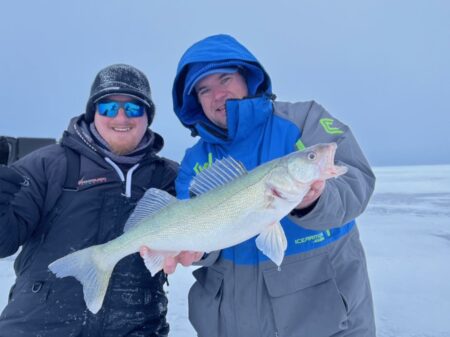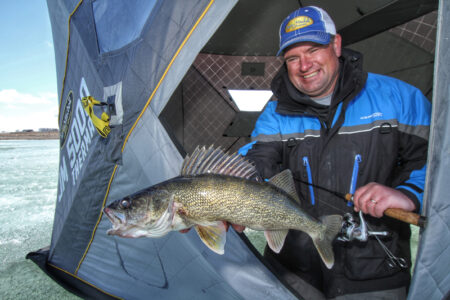
Matt Liebel is a renown guide on North Dakota’s Lake Sakakawea. He is also an avid Lowrance user. In this video he shares some very simple, effective tips to be able to identify fish size on the Lowrance HDS more efficiently.
First, Matt emphasizes learning how to make basic color adjustments to the HDS settings to get more out of the sonar image. The HDS Live unit’s color settings are available in a variety of palettes. The standard color settings out of the box default to “color palette 1“.
With color palette 1, blue is the lightest signal, followed by orange and then yellow (being the strongest signal). As fish start stacking up, this default palette isn’t always the best choice when trying to determine quality over quantity. It might look like a nice fish when in reality it’s small fish stacked on top of each other. Instead, Matt recommends changing this palette to improve fish size identification, making the larger fish easier to identify and target.
Lowrance makes this a simple adjustment: To switch the color palette:
1. Open the menu
2. Go into the more options settings (at the bottom) and select color palette.
3. Once there, there are 14 different options to observe.
4. Matt recommends switching to color palette 13. This allows an extra level of identification by adding in the “green” parameter, making it easier to detect larger fish from pods of small fish.
Next he recommends adjusting the colorline. If the colorline is too high, it will read green on those smaller fish. When setup and catching too many small fish, despite the color palette adjustment, you may need to lower the colorline a few points. Ideally Matt prefers to set his colorline so that if he marks a fish with some green on it, it’s a 20+ inch fish.
To adjust the color line:
- Open up the general menu
- Select Colorline (which is halfway down the menu)
- Make simple adjustments to best fit the conditions. On Lake Sakakawea, Matt prefers to set it around 73%.
One compromise of adjusting the color palette is losing detailed bottom composition. However, Matt emphasizes using side imaging for this if possible. It shows the transitions zones and details really well in comparison to the 2D sonar.
This is a prime example of how learning simple sonar tips can help a person better find and target fish. For more electronics tips be sure to check out our electronics database here.